
Opera
Opera is a free web browser for Windows from Opera Software. The stable release is 136.0.6008.22, published on 17 September 2026.
133.1 MB

44.0.2403.0 · Robert Rodriguez · Page updated
Superbird Browser is a free Chromium-based web browser for Windows by Robert Rodriguez, with builds for Linux as well.
Average 0.0 · ratings: 0
Thank you! Your rating is saved; you can change it. Could not save the rating. Please try again later. Too many ratings from your network today. Please try again tomorrow. The average appears after 5 ratings.
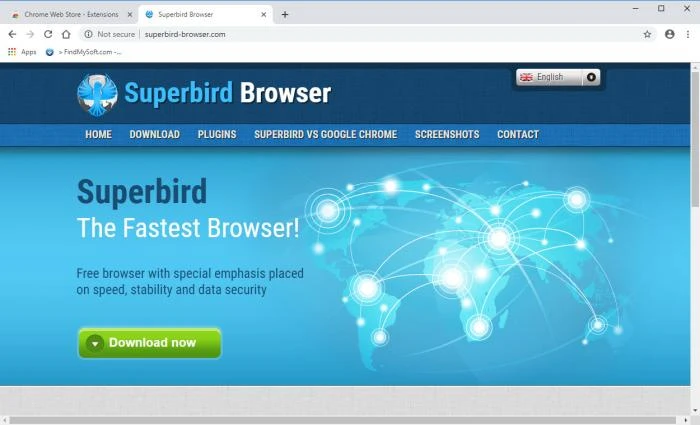
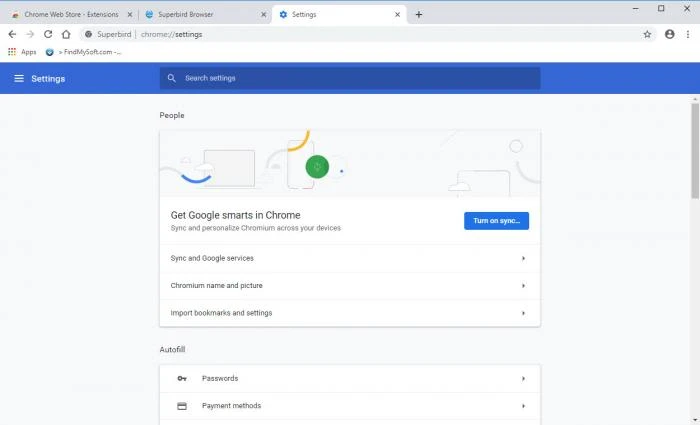
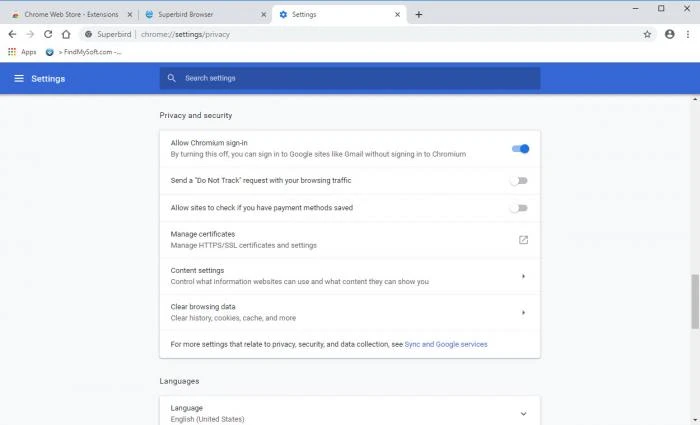
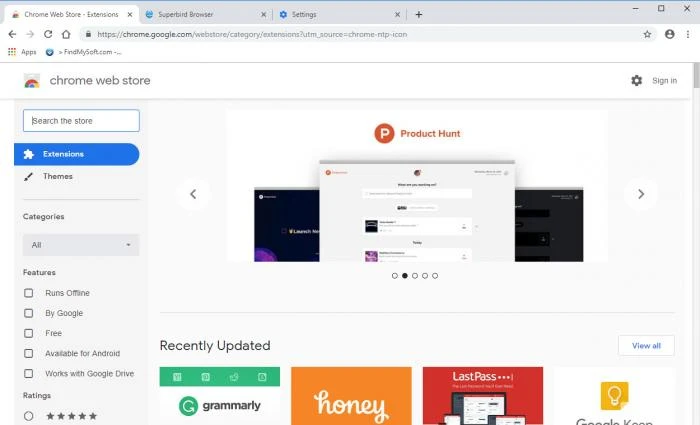
Superbird Browser 44.0.2403.0 is a free web browser for Windows by Robert Rodriguez, built on the open-source Chromium project. It offers a familiar Chrome-like interface without being tied to Google's own browser. Read the security notes below before you download Superbird Browser for Windows: the project's old website no longer hosts the browser.
Superbird is one of many browsers that take Chromium, the code behind Google Chrome, and package it with their own settings and branding. Projects like this usually aim to offer Chromium's speed and compatibility with fewer ties to Google services. Superbird also publishes builds for several Linux distributions, according to its download page.
Chromium-based browsers normally carry the Chromium version they are built on. The version in our catalogue is 44.0.2403.0, which points to a Chromium base far behind current releases. Browsers are the software most exposed to attacks, and Chromium receives security fixes very frequently. A browser built on an old base misses years of those fixes, and modern websites may also not display correctly. Do not use it for anything important unless you find a newer build from a source you trust.
Not unless you can confirm it is based on a current Chromium release. For sensitive tasks, use a browser that updates automatically and publishes its security fixes.
The installer is about 40.55 MB according to catalogue data.
Yes, the browser is free.
Chromium-based browsers generally support extensions from the Chrome Web Store, but old versions may not be compatible with current extensions, which are built for recent browser releases.
After installing any Chromium-based browser, open its about page and compare the version with the latest Chrome release number listed on Google's Chrome releases blog. If the major version number is far lower, the browser is missing many security updates.
If you are curious, try it in Windows Sandbox or a virtual machine, and do not sign in to real accounts there. That way you can see the interface without exposing your main system.
Actively maintained Chromium browsers in our listings include Google Chrome, Microsoft Edge, Brave Browser, Vivaldi and Chromium itself. Mozilla Firefox and LibreWolf use a different engine.
Opera is a free web browser for Windows from Opera Software. The stable release is 136.0.6008.22, published on 17 September 2026.

UC Browser for Windows is the desktop version of the web browser from UCWeb, a Chinese mobile internet company.

Google Translate is Google's multilingual machine translation service, used on Windows through the website and a browser extension.

Microsoft Edge is Microsoft's web browser, preinstalled on current Windows versions and available as a free download for reinstalling or updating.

Mozilla Firefox is a free and open-source web browser developed by Mozilla, available for Windows, macOS, Linux, Android and iOS.

Google Chrome is the free web browser from Google. The stable Windows release is 154.0.8037.58, out since 22 September 2026.

Cent Browser is a free Chromium-based browser for Windows from Cent Studio that adds mouse gestures, tab tweaks and other power-user options.